Novus Visualizers
Intros, outros & animated logos
A short branded intro and outro turns a loop into a finished video. How to add an animated logo, an intro card, and an end screen that drives follows and saves — without padding the runtime.
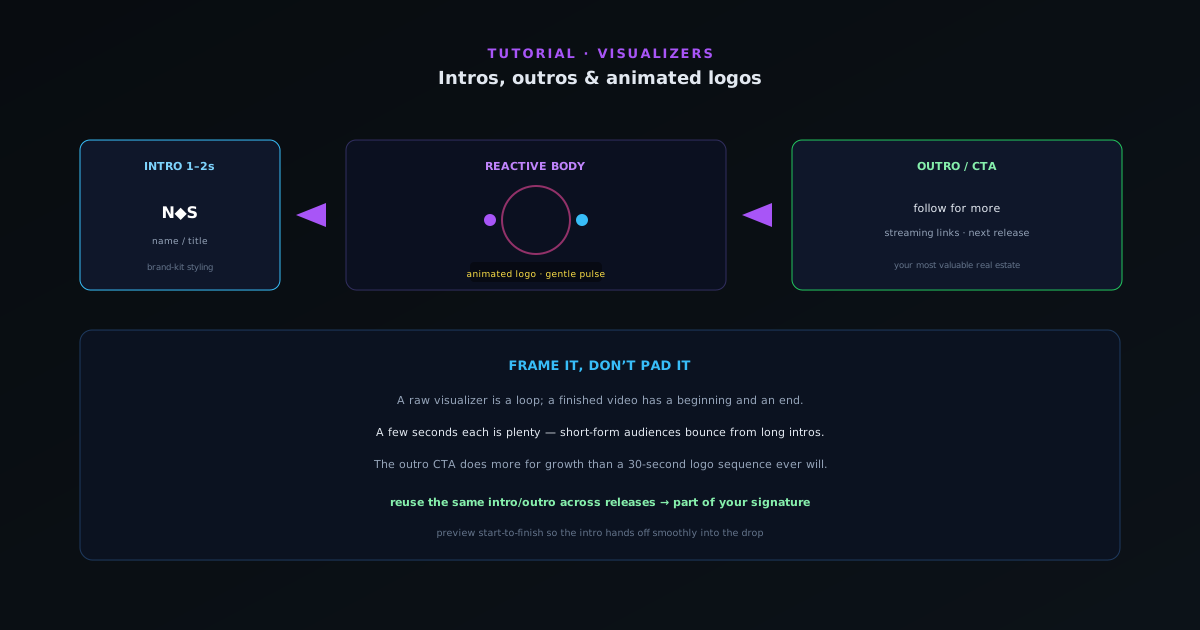
A raw visualizer is a loop; a finished video has a beginning and an end. A short intro and a clear outro frame your track, reinforce your brand, and give viewers a next step. This guide covers adding them without bloating the runtime.
Contents
- 1
1. Animate your logo
Add your logo with an entrance animation so it arrives rather than sits static. Logo effects let it react subtly to the audio too — a gentle pulse on the beat keeps it alive without distracting from the music. Keep it tasteful; the logo supports the track, it does not headline it.
- Animated logo entrance; subtle beat reaction.
- 2
2. Add a short intro card
A one- to two-second intro with your name or the track title sets the frame before the visual takes over. Keep it short — short-form audiences bounce from long intros — and use your brand-kit font and colors so it is unmistakably yours from the first frame.
- 1–2 s intro with name/title; brand-kit styling.
- 3
3. End with a call to action
The outro is your most valuable real estate for growth. An end screen with "follow for more," the streaming links, or the next release gives an engaged viewer somewhere to go. Use the intro/outro controls to add it cleanly at the end rather than cutting off abruptly on the loop.
- Outro/end screen with a clear next step.
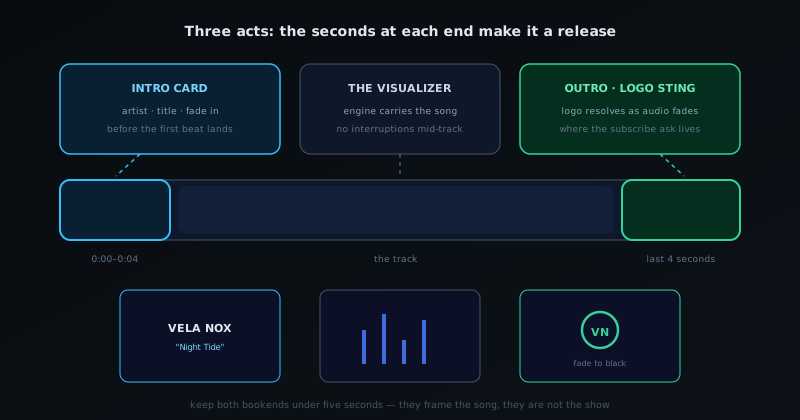
Intro, body, outro — the thirty seconds at each end are what make it a release. - 4
4. Keep the pacing tight
Intros and outros should frame the music, not pad the runtime. A few seconds each is plenty. Preview the full thing start to finish to make sure the intro hands off smoothly into the reactive section and the outro lands on a strong moment rather than a fade to nothing.
Frame it, don’t pad it
Short and branded beats long and generic. A two-second intro and a clear outro CTA do more for recognition and growth than a thirty-second animated logo sequence ever will. Reuse the same intro/outro across releases and it becomes part of your signature.
Frequently asked questions
Quick answers to common questions about this topic.
How do I add an intro, outro, or animated logo to a visualizer?
Add a short branded intro and outro with your logo and an animated reveal, keeping them brief so they do not eat into the music. Use a logo layer that can animate in and out.
How long should an intro be?
Short — a second or two — especially for social, where viewers drop off fast. Lead with the hook and keep branding quick.